Note: This guide assumes the Git deployment method on Netlify, but you may also deploy your site using other methods. Just make sure the EdgeDB Cloud environment variables are set, and your app should have connectivity to your instance.
- Push project to GitHub or some other Git remote repository
- Create and make note of a secret key for your EdgeDB Cloud instance
- On your Netlify Team Overview view under Sites, click Import from Git
- Select the platform you’re deploying from
- Select the repository to deploy
- Configure the build settings appropriately for your app
- Click the Add environment variable button
- Click New variable and add
EDGEDB_INSTANCEcontaining your EdgeDB Cloud instance name (in<org>/<instance-name>format) andEDGEDB_SECRET_KEYenvironment variables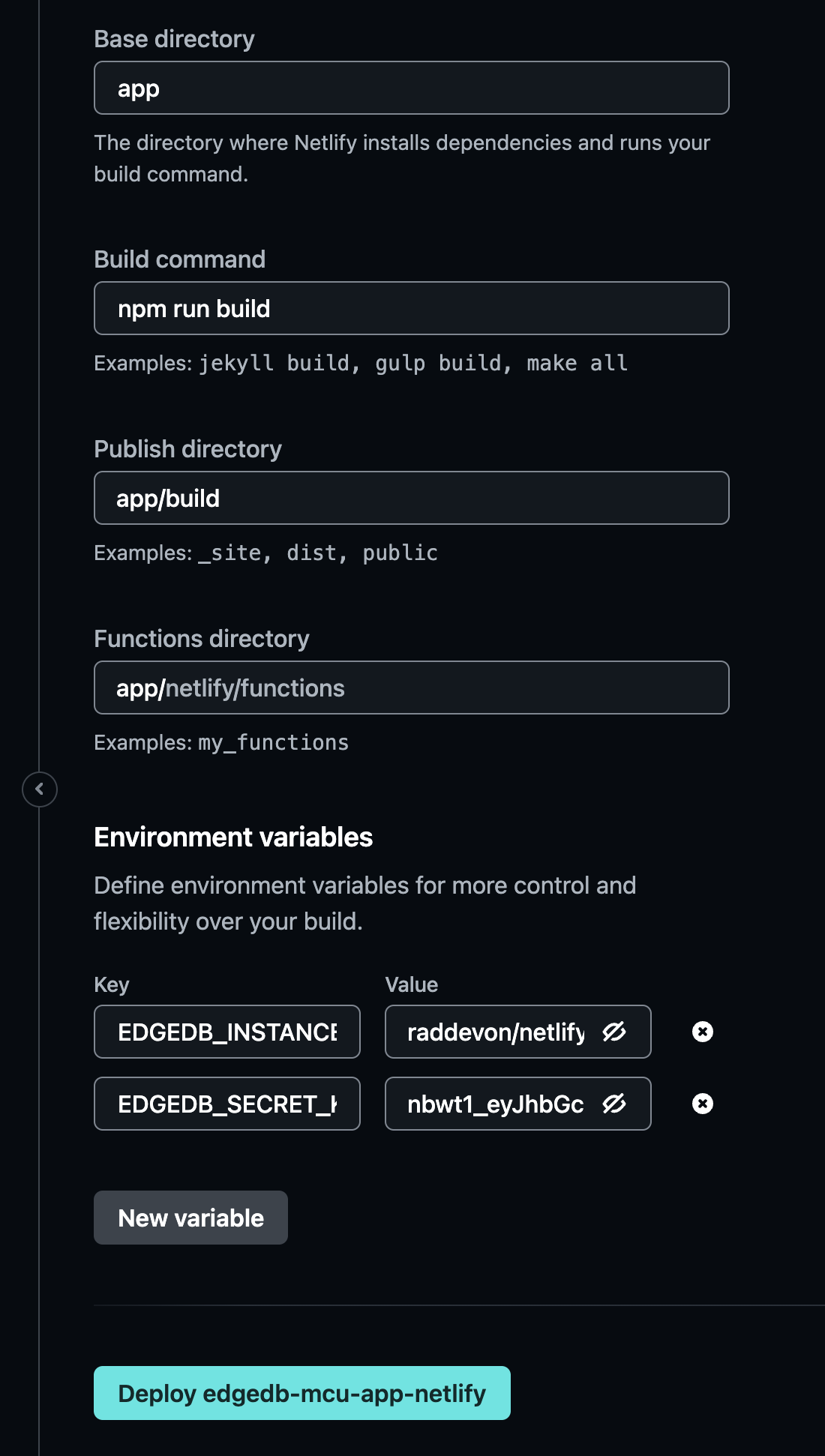
- Click Deploy